
Download Print Selection – Efficient Image & Text Snippet Printing Tool
Overview
Print Selection is a lightweight yet powerful desktop utility that lets you print only the exact portion of a document, web page, or image you need. Unlike generic printing options found in Microsoft Office or built‑in OS print dialogs, Print Selection gives you granular control over what gets sent to the printer, helping you eliminate unwanted ads, headers, footers, or any extraneous content. The software is especially handy for professionals who regularly need to extract snippets from reports, emails, or web articles without wasting ink or paper.
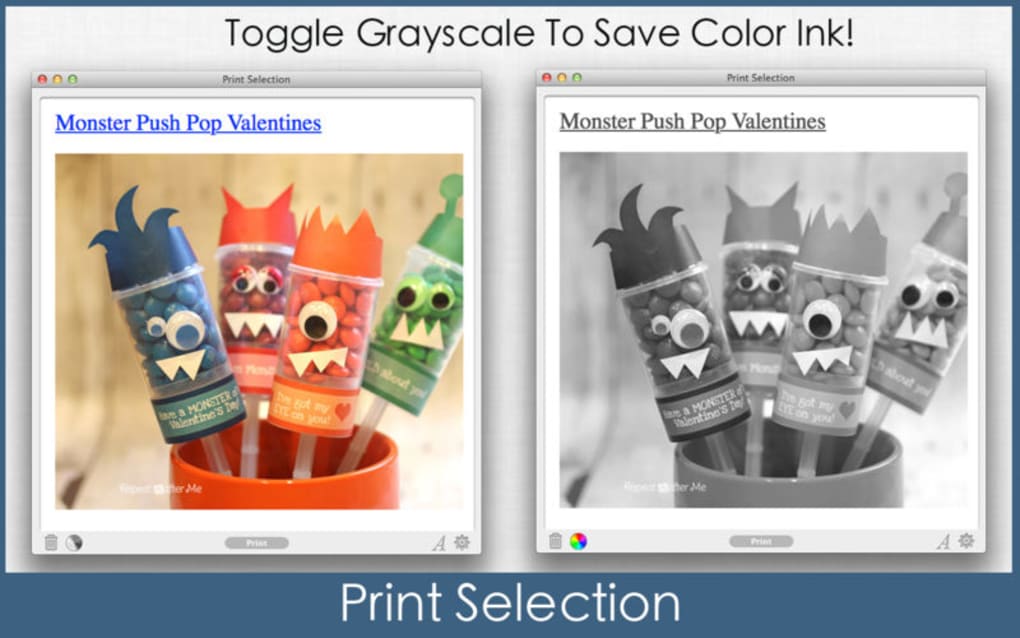
With a one‑click grayscale mode, integrated hot‑key support, and seamless copy‑and‑paste functionality, the tool is designed for speed and efficiency in both office and home environments. It automatically saves your last selection when the app is closed, ensuring that no work is lost. Whether you are printing a marketing flyer, a legal document, or a screenshot from a browser, Print Selection delivers a clean, ink‑saving printout every time.
Key Features That Set Print Selection Apart
- Selective Printing: Choose any rectangular area on the screen—text, image, or mixed content—and send only that portion to the printer.
- One‑Click Grayscale Mode: Reduce ink consumption instantly by switching to grayscale with a single button press.
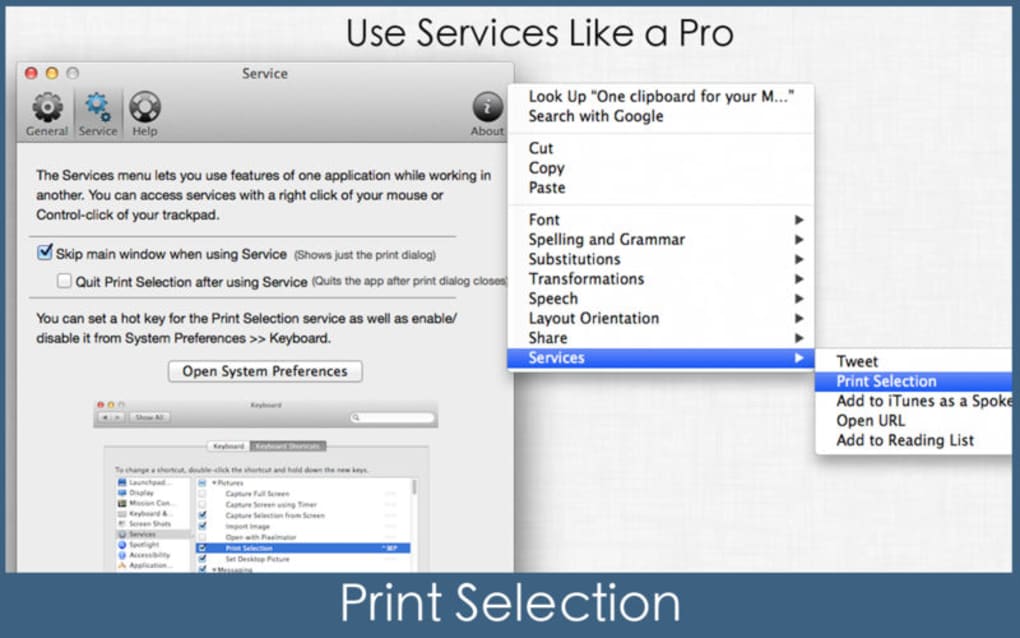
- Hotkey Integration: Assign custom keyboard shortcuts for rapid selection, preview, and printing.
- Copy‑and‑Paste Ready: Selected content can be copied to the clipboard for use in other applications without printing.
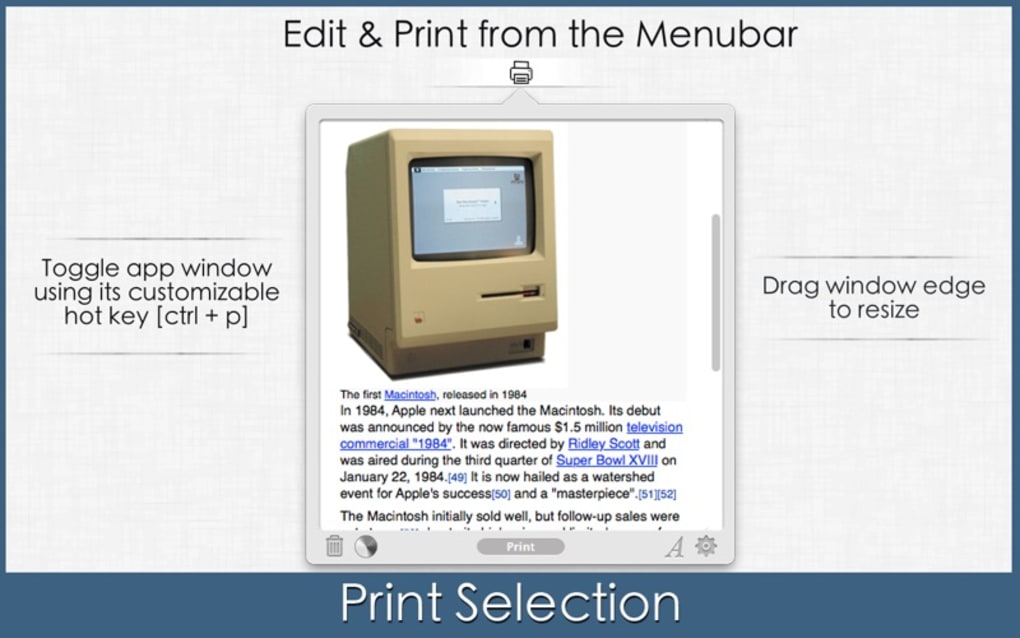
- Dock & Menu Bar Placement: Keep Print Selection accessible from the dock (macOS) or system tray (Windows) for quick launch.
- Automatic Session Save: The last selection is saved automatically when the program closes, preventing data loss.
- Cross‑Platform Support: Fully compatible with Windows, macOS, and Linux distributions.
- Web Page Compatibility: Capture and print dynamic content directly from browsers, including ads‑free excerpts.
- Lightweight Installer: Under 5 MB download size, minimal system impact, and fast installation.
- Secure Printing: No data is sent to external servers; all processing occurs locally on your machine.
Installation, Usage & System Compatibility
Step‑by‑Step Installation
Installing Print Selection is straightforward. Download the installer from the official website, then follow these steps:
- Run the
.exe(Windows) or.dmg(macOS) file. - Accept the license agreement and choose the installation folder (default is fine for most users).
- Click “Install” and wait for the progress bar to complete.
- When prompted, allow the application to add a shortcut to the system tray or dock.
- Launch Print Selection from the shortcut; the first‑time wizard will guide you through basic configuration, including hotkey assignment and default grayscale settings.
How to Use Print Selection
Once installed, using Print Selection takes just a few clicks:
- Activate the tool via the tray icon or hotkey (default Ctrl + Shift + P on Windows, ⌘ + Shift + P on macOS).
- Drag a rectangle around the area you wish to print. A live preview appears, showing exactly what will be printed.
- Choose your desired printer from the drop‑down menu.
- Toggle grayscale if needed, then click “Print”.
- If you only need the content for another document, click “Copy to Clipboard” instead of “Print”.
Operating System Compatibility
Print Selection runs natively on the following platforms:
- Windows: 10, 11 (both 64‑bit and 32‑bit)
- macOS: 10.15 Catalina and later (including Ventura and Sonoma)
- Linux: Ubuntu 20.04+, Fedora 33+, and other major distributions (via AppImage)
The application requires a minimum of 2 GB RAM and 50 MB of free disk space. No additional runtimes (such as .NET or Java) are needed because the installer bundles all required libraries.
Pros, Cons, and Frequently Asked Questions
Pros
- Precise area selection saves paper and ink.
- One‑click grayscale mode for instant cost reduction.
- Hotkey support speeds up repetitive tasks.
- Works with any printable content, including web pages and emails.
- Lightweight and fast; does not bloat system resources.
Cons
- Lacks advanced PDF editing features (intended as a printing utility only).
- No native mobile version; limited to desktop environments.
- Advanced color management requires external print driver configuration.
Frequently Asked Questions
Can Print Selection handle multi‑page documents?
Print Selection works on a per‑selection basis, so you can choose a region on each page individually. For multi‑page prints, simply repeat the selection on each page before sending to the printer.
Is the software truly free?
Yes, Print Selection is offered as a free utility for personal and commercial use. There is an optional paid “Pro” add‑on that adds batch‑printing and advanced color profiles, but the core functionality is completely free.
Does Print Selection store any of my data in the cloud?
No. All selections and settings are saved locally on your machine. The app does not transmit any content to external servers, ensuring privacy and security.
Can I print directly from a web browser without taking a screenshot?
Absolutely. Activate Print Selection, then drag over the desired part of the webpage. The tool captures the rendered content (including text and images) and sends it straight to the printer.
What printers are supported?
Any printer that is recognized by your operating system’s standard print dialog works with Print Selection. This includes network printers, USB printers, and wireless AirPrint or Google Cloud Print devices.
Conclusion & Call to Action
In a world where every sheet of paper and every drop of ink counts, Print Selection offers a simple yet powerful solution to streamline your printing workflow. By allowing you to isolate exactly what you need—whether it’s a snippet of text, a small graphic, or a portion of a web article—you eliminate the waste associated with generic print commands. The built‑in grayscale mode, hotkey support, and automatic session saving further enhance productivity, making it an ideal companion for office professionals, students, and anyone who values efficient, cost‑effective printing.
Ready to experience a cleaner, greener, and faster printing process? Download Print Selection now and start printing only what matters. The free version gives you full access to core features, and you can upgrade to the Pro add‑on later if you need batch capabilities or advanced color management. Join thousands of satisfied users who have already reduced their paper waste and saved on ink—your printer (and your budget) will thank you.
Print Selection delivers exactly what its name promises—a fast, reliable way to print only the selected portion of any document or screen. The interface is intuitive, the hotkeys are a productivity boost, and the grayscale mode genuinely saves ink. While it lacks deep PDF editing, its core purpose is executed flawlessly. Ideal for both office and home use.







